Advanced connection settings
You can configure additional security options for your connection which include the following:
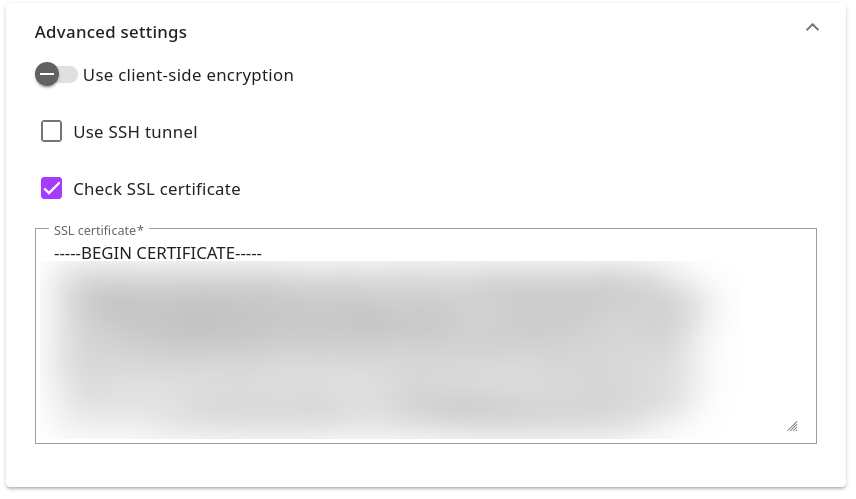
Those options are displayed when you either create a new connection or open one for editing and you expand the Advanced settings:

How to configure master password
For more information on master password please visit the reference page: https://docs.rocketadmin.com/Reference/MasterPassword.
To generate the master password, enable the option Use client-side encryption:
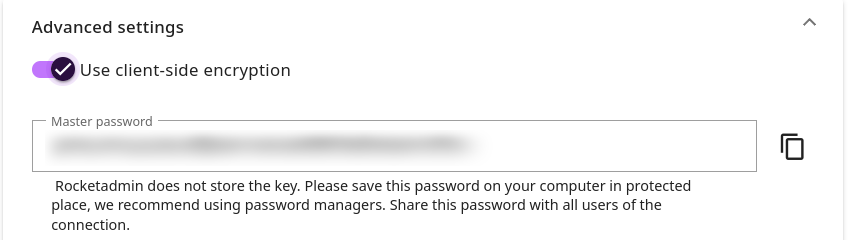
In case you have not saved the password or it was compromised, we recommend to toggle off and then on again the client-side encryption option to reset the key.
Store the updated connection settings and notify the authorized users regarding the modifications implemented.
How to configure SSH tunnel
-
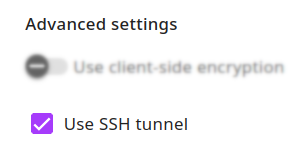
Mark the option Use SSH tunnel:
-
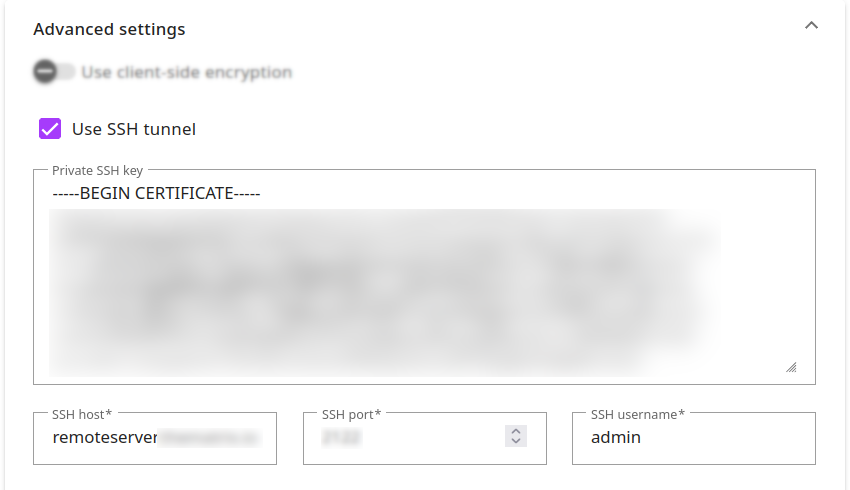
Provide the following information:
-
Private SSH Key
-
SSH host
-
SSH port
-
SSH username
-
How to configure SSL certificate
-
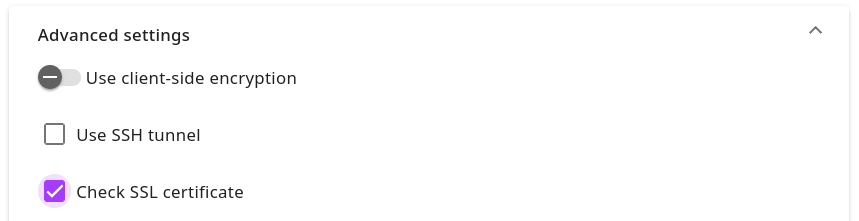
Mark the option Check SSL certificate:
-
Enter your SSL certificate in the text box:
In case of any questions, feel free to contact us at support@rocketadmin.com.